Brother
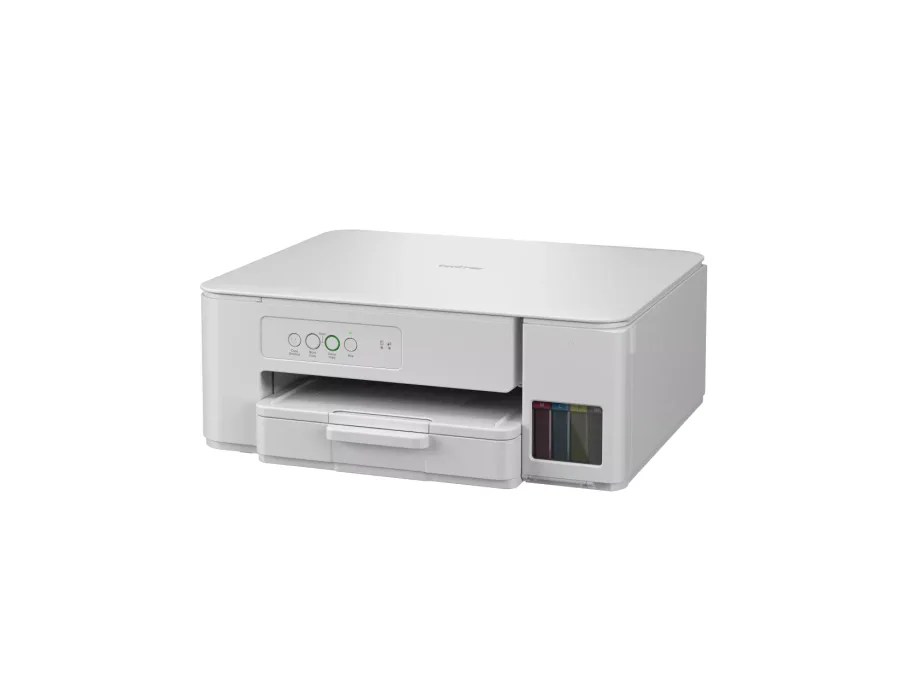
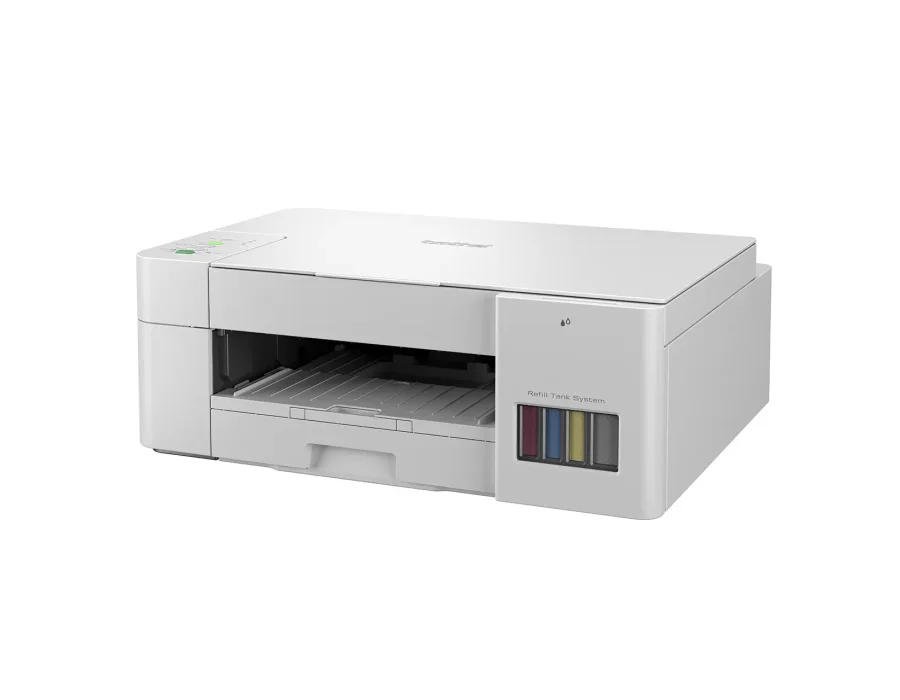
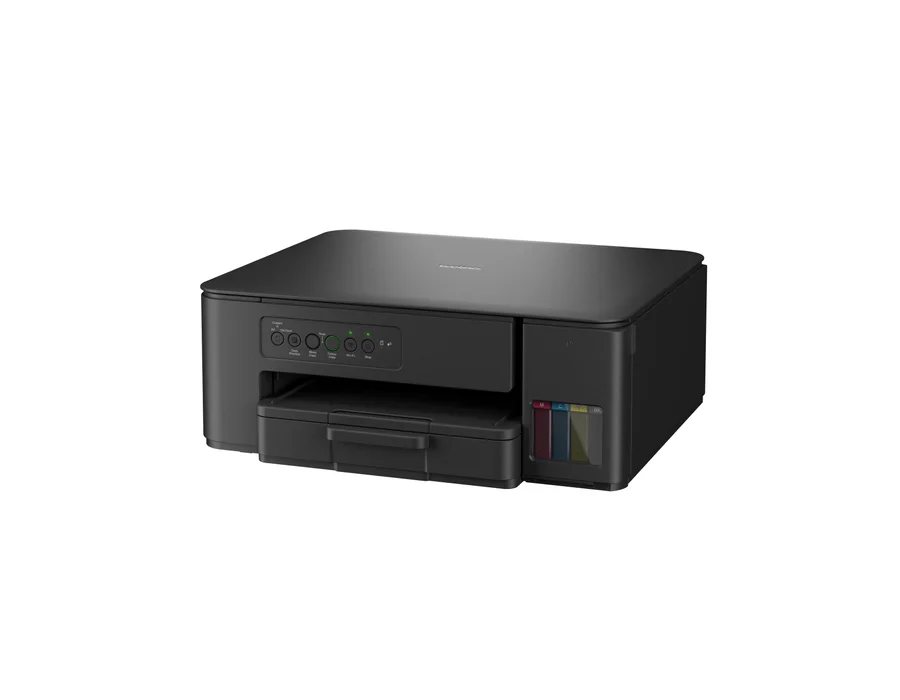
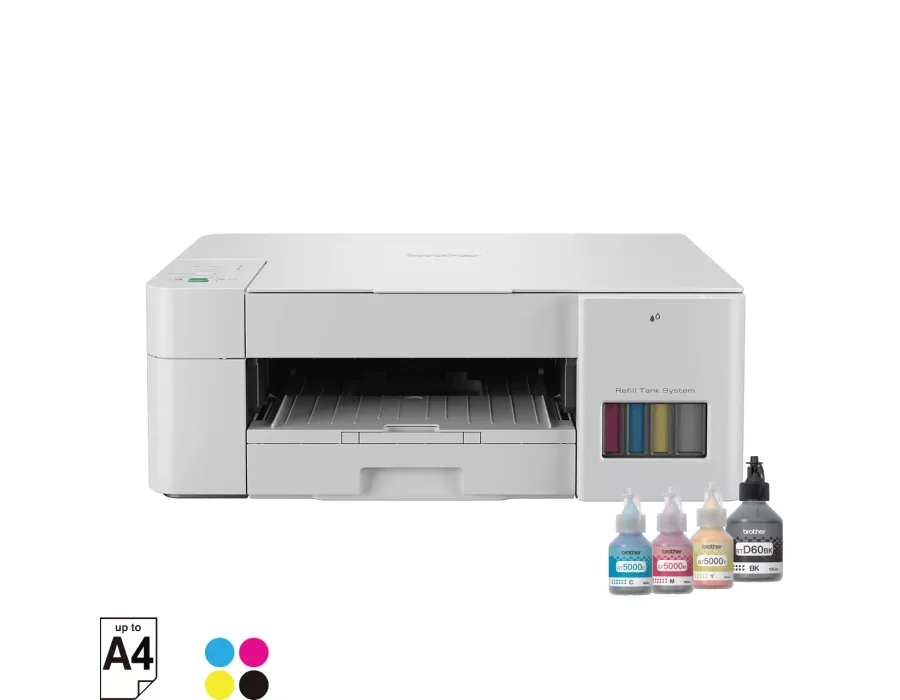
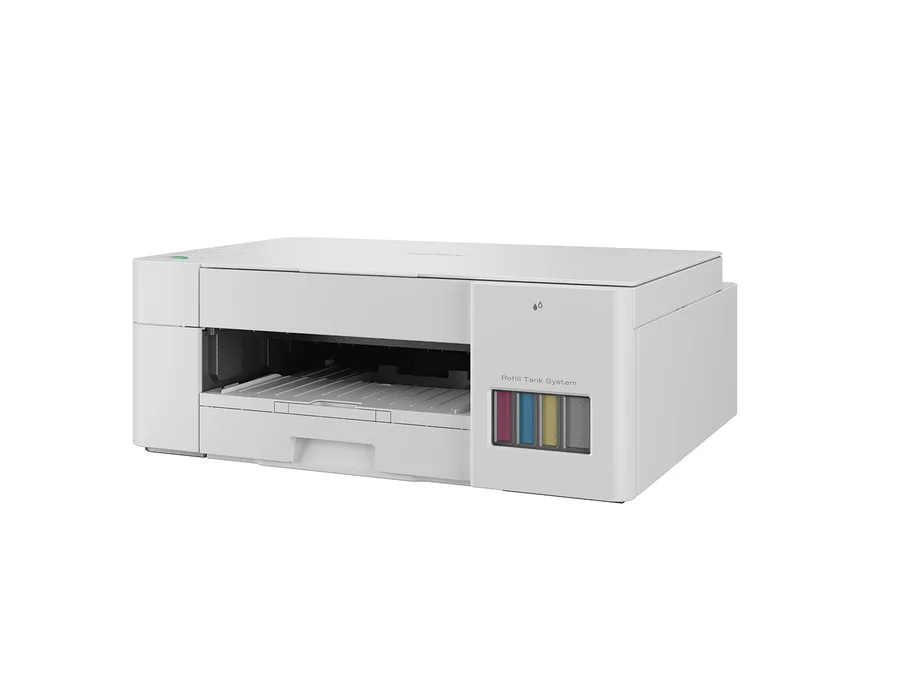
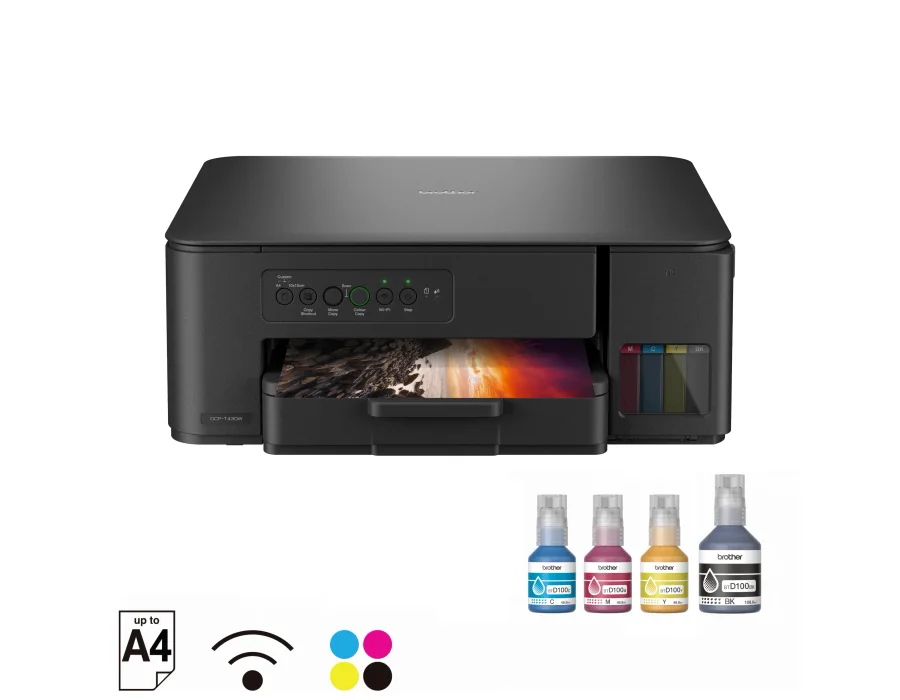
Brother DCP-T226 Ink Tank Printer
Print, Scan, Copy | A4 print speed up to 16 ipm (Black)/ 9 ipm (Colour) | USB 2.0 | Intuitive Buttons, 64 MB Memory, 150 Sheets Paper Tray
₹13,990

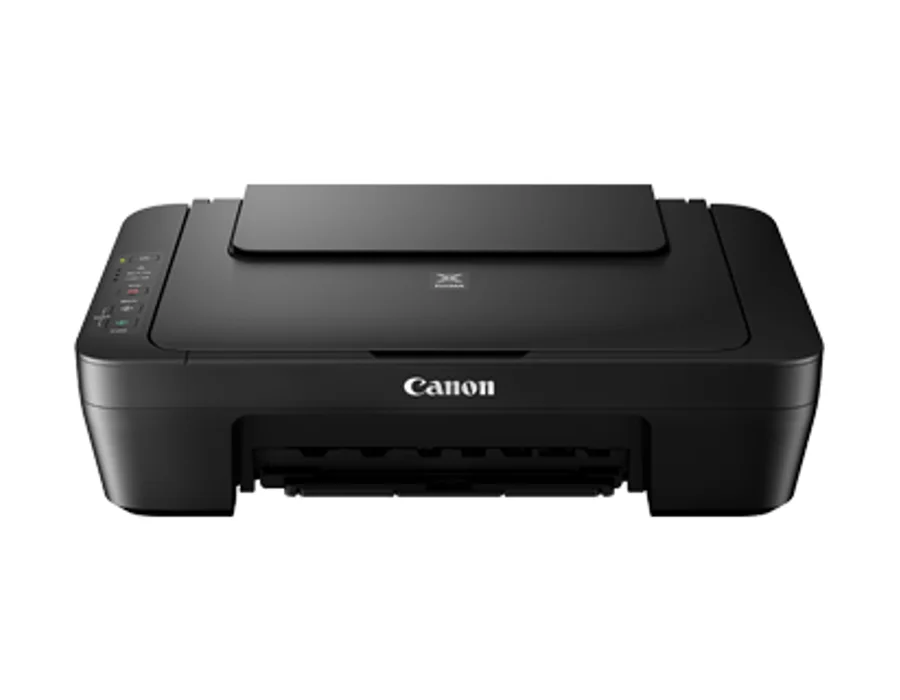
SKU: CANON-PIXMA-MG2570S · Model: MG2570S
In Stock
Enter your PIN code to find delivery options and a nearby store.
Canon PIXMA MG2570S Affordable ink cartridges for high quality printing Key specifications Colour inkjet printer, copier and scanner ISO standard print speed (A4): 8.0 images per minute mono / 4.0 images per minute colour Technical specifications Print / Printing Resolution: 4 800 (horizontal) x 600 (vertical) dpi Print / Print Head / Ink — Type: FINE Cartridge Print / Print Head / Ink — Number of Nozzles: Total 1 280 nozzles Print / Print Head / Ink — Ink Droplet Size: 2pl Print / Print Head / Ink — Ink Cartridge: PG-745S, CL-746S; (PG-745, CL-746, PG-745XL, CL-746XL – Optional) Print / Print Speed — Document: Colour: ; ESAT / Simplex: 4.0 images per minute Print / Print Speed — Document: B/W: ; ESAT / Simplex: 8.0 images per minute Print / Printable Width: 203.2 mm Print / Printable Width — Bordered Printing: Top margin: 3mm,; Bottom margin: 16.7mm,; Left / Right margin: each 3.4mm (l / LGL: Left: 6.4mm,; Right: 6.3mm) Print / Recommended Printing Area — Top Margin: 31.6mm Print / Recommended Printing Area — Bottom Margin: 29.2mm Print / Paper Size: A4, A5, B5, l, LGL, 10.16cm x 15.24cm, 12.70cm x 17.78cm, Envelopes (DL, COM10), Custom size (width 101.6 - 215.9mm, length 152.4 - 676mm) Print / Paper Handling (Rear Tray); (Number) — Plain Paper: A4, A5, B5, l = 60, LGL = 10 Print / Paper Handling (Rear Tray); (Number) — Photo Paper Plus Glossy II; (PP-201): 10.16 x 15.24cm = 20 Print / Paper Handling (Rear Tray); (Number) — Glossy Photo Paper "Everyday Use" (GP-501); Glossy Photo Paper "Everyday Use" (GP-601): 10.16 x 15.24cm = 20 Print / Paper Handling (Rear Tray); (Number) — Envelope: European DL / US Com. #10 = 5 Print / Paper Weight — Cassette: Plain Paper: 64 -105 g/m² (gsm), Canon specialty paper: paper weight: 275 g/m² (gsm) (Photo Paper Plus Glossy II (PP-201) Print / Ink End Sensor: Dot count Print / Print Head Alignment: Manual Scan / Scanner Type: Flatbed Scan / Scanning Method: CIS (Contact Image Sensor) Scan / Optical Resolution: 600 x 1200dpi Scan / Selectable Resolution: 25 - 19200dpi Scan / Scanning Bit Depth (Input / Output) — Grayscale: 16 / 8-bits Scan / Scanning Bit Depth (Input / Output) — Colour: 48 / 24-bits (RGB each 16 / 8-bits ) Scan / Line Scanning Speed — Grayscale: 1.2ms/line (300dpi) Scan / Line Scanning Speed — Colour: 3.5ms/line (300dpi) Scan / Scanning Speed — Reflective:; A4 Colour / 300dpi: 14s Scan / Document Size — Flatbed: A4 / l (216 x 297mm) Copy / Document Size: A4 / l (216 x 297mm) Copy / Compatible Media — Size: A4, l Copy / Compatible Media — Type: Plain Paper Copy / Image Quality — Plain Paper: Fast, Standard Copy / Copy Speed* — Document: Colour:; sFCOT / Simplex: 31s Copy / Copy Speed* — Document: Colour:; sESAT / Simplex: 1.6 images per minute Copy / Multiple Copy — Black / Colour: 1 - 21 pages Copy / System Requirements; (Please visit www.canon-asia.com to check OS compatibility and to download the latest driver updates.) — Windows: Windows 8 / Windows 7 / Window Vista / Windows XP Copy / System Requirements; (Please visit www.canon-asia.com to check OS compatibility and to download the latest driver updates.) — Macintosh: Mac OS X v10.7.5 and later General / Interface: USB 2.0 Hi-Speed General / Operating Environment — Temperature: 5 - 35°C General / Operating Environment — Humidity: 10 - 90% RH; (no dew condensation) General / Storage Environment — Temperature: 0 - 40°C General / Storage Environment — Humidity: 5 - 95% RH ; (no dew condensation) General / Power: AC 100 - 240V, 50 / 60Hz General / Power Consumption — Standby (scanning lamp is off); (USB connection to PC): 1.0W General / Power Consumption — OFF: 0.4W General / Power Consumption — Copying:; (USB connection to PC): 9W General / Environment — Regulation: RoHS (EU, China), WEEE (EU) General / Environment — Eco-Label: Energy Star, EPEAT General / Dimension (W x D x H): 426 x 306 x 145mm General / Weight: 3.5kg Disclaimers — •: You need to install ink tanks or ink cartridges of all colours whether you perform black and white printing or colour printing. If any one of the ink tanks or ink cartridges is not installed, an error occurs and you cannot perform printing. Disclaimers — •: Depending on the paper or the print settings, colour ink may be consumed even when you print a document in black or perform printing in black and white. When any one of the colours of ink has run out, you need to replace the ink tank or ink cartridge. Disclaimers — •: When you use the Canon printer for the first time after you install the bundled ink tanks, the printer consumes a small amount of ink in the amount to enable printing by filling the nozzles of the Print Head with ink. For this reason, the number of sheets that can be printed with the first ink tanks is fewer than the succeeding ink tanks. Disclaimers — •: The printing costs described in the brochures or websites are based on the consumption data from not the first ink tank / ink cartridge but the succeeding ink tank / ink cartridge. Disclaimers — •: To keep printer's performance, Canon printer performs cleaning automatically according to its condition. When the printer performs cleaning, a small amount of ink is consumed. In this case, all colours of ink may be consumed.; [Cleaning function]; The cleaning function helps the printer to suck air bubbles or ink itself from the nozzle and thus prevents print quality degradation or nozzle clogging.? Disclaimers — •: The repairing parts for printers will be available five years after production is discontinued. Depending on your model, we may ask you to replace it with a new one, or one with almost the same performance as a maintenance service. In this case, it may be that you cannot use supplies or accessories for your model or the compatible OS will be changed. Disclaimers — •: The warranty term for free repair varies from country to country and starts from the date of purchase. Free repair does not apply to supplies (paper or ink tanks / cartridges / print head) even within the warranty term. Disclaimers — •: To obtain good printing quality, use up ink within six months after opening. Disclaimers — •: Regarding a solution to a problem caused by using non-genuine ink cartridges (including ones supplemented with non-genuine ink by making a hole in the cartridge or so), a fee will be charged even within the warranty term. Keep this in your mind when you use non-genuine ink. Disclaimers — •: If you use non-genuine ink cartridges (including ones supplemented with non-genuine ink by making a hole in the cartridge or so), they may have a negative effect on the performance of the printer or the printing quality may be reduced. In addition, though it is a rare case and does not present a safety hazard, it is reported that a print head will become heated or smoke will be emitted from it due to an ingredient not contained in genuine Canon ink. (Note that this does not apply to all non-genuine ink.) Disclaimers — •: CREATIVE PARK PREMIUM is a premium content service available exclusively to users only when all of the colours of genuine Canon inks are installed. Disclaimers — •: A printer with a fax function stores the following fax data in printer's memory:; - Faxes not printed out due to conditions such as ink running out.; - Faxes in the send queue.; If you disconnect the power cord, the date and time settings are reset and faxes stored in the printer's memory will be deleted. Before you disconnect the power cord, confirm that faxes you need to keep have already been printed or sent. Disclaimers — •: If you will be installing the Canon printer driver on Mac OS X and using the printer through a network connection, you can select [Bonjour] or [canonijnetwork] in the [Add Printer] dialog. If [Bonjour] is selected, remaining ink level messages may differ from those indicated by [canonijnetwork]. [canonijnetwork] is not displayed if the Canon printer driver is not installed. Access our web site through the Internet and download the latest printer driver for your model. Canon recommends you to use [canonijnetwork] for printing.
| Model | MG2570S |
|---|---|
| Series | PIXMA |
| General / Power | AC 100 - 240V, 50 / 60Hz |
| General / Weight | 3.5kg |
| Print / Paper Size | A4, A5, B5, l, LGL, 10.16cm x 15.24cm, 12.70cm x 17.78cm, Envelopes (DL, COM10), Custom size (width 101.6 - 215.9mm, length 152.4 - 676mm) |
| General / Interface | USB 2.0 Hi-Speed |
| Scan / Scanner Type | Flatbed |
| Copy / Document Size | A4 / l (216 x 297mm) |
| Print / Ink End Sensor | Dot count |
| Scan / Scanning Method | CIS (Contact Image Sensor) |
| Print / Printable Width | 203.2 mm |
| Scan / Optical Resolution | 600 x 1200dpi |
| Print / Printing Resolution | 4 800 (horizontal) x 600 (vertical) dpi |
| Print / Print Head Alignment | Manual |
| Scan / Selectable Resolution | 25 - 19200dpi |
| ISO standard print speed (A4) | 8.0 images per minute mono / 4.0 images per minute colour |
| General / Dimension (W x D x H) | 426 x 306 x 145mm |
| Copy / Compatible Media — Size | A4, l |
| Copy / Compatible Media — Type | Plain Paper |
| Scan / Document Size — Flatbed | A4 / l (216 x 297mm) |
| Print / Paper Weight — Cassette | Plain Paper: 64 -105 g/m² (gsm), Canon specialty paper: paper weight: 275 g/m² (gsm) (Photo Paper Plus Glossy II (PP-201) |
| Print / Print Head / Ink — Type | FINE Cartridge |
| General / Power Consumption — OFF | 0.4W |
| Copy / Image Quality — Plain Paper | Fast, Standard |
| Scan / Line Scanning Speed — Colour | 3.5ms/line (300dpi) |
| Scan / Line Scanning Speed — Grayscale | 1.2ms/line (300dpi) |
| Print / Print Head / Ink — Ink Cartridge | PG-745S, CL-746S; (PG-745, CL-746, PG-745XL, CL-746XL – Optional) |
| Print / Print Head / Ink — Ink Droplet Size | 2pl |
| Print / Printable Width — Bordered Printing | Top margin: 3mm,; Bottom margin: 16.7mm,; Left / Right margin: each 3.4mm (l / LGL: Left: 6.4mm,; Right: 6.3mm) |
| Print / Print Head / Ink — Number of Nozzles | Total 1 280 nozzles |
| Print / Recommended Printing Area — Top Margin | 31.6mm |
| Print / Recommended Printing Area — Bottom Margin | 29.2mm |
| Scan / Scanning Bit Depth (Input / Output) — Colour | 48 / 24-bits (RGB each 16 / 8-bits ) |
| Print / Print Speed — Document: B/W: ; ESAT / Simplex | 8.0 images per minute |
| Scan / Scanning Bit Depth (Input / Output) — Grayscale | 16 / 8-bits |
| Print / Paper Handling (Rear Tray); (Number) — Envelope | European DL / US Com. #10 = 5 |
| Scan / Scanning Speed — Reflective:; A4 Colour / 300dpi | 14s |
| Print / Print Speed — Document: Colour: ; ESAT / Simplex | 4.0 images per minute |
| Print / Paper Handling (Rear Tray); (Number) — Plain Paper | A4, A5, B5, l = 60, LGL = 10 |
| General / Power Consumption — Copying:; (USB connection to PC) | 9W |
Confirm the supplied items with our team.
Warranty information will be confirmed before purchase.
Print, Scan, Copy | A4 print speed up to 16 ipm (Black)/ 9 ipm (Colour) | USB 2.0 | Intuitive Buttons, 64 MB Memory, 150 Sheets Paper Tray
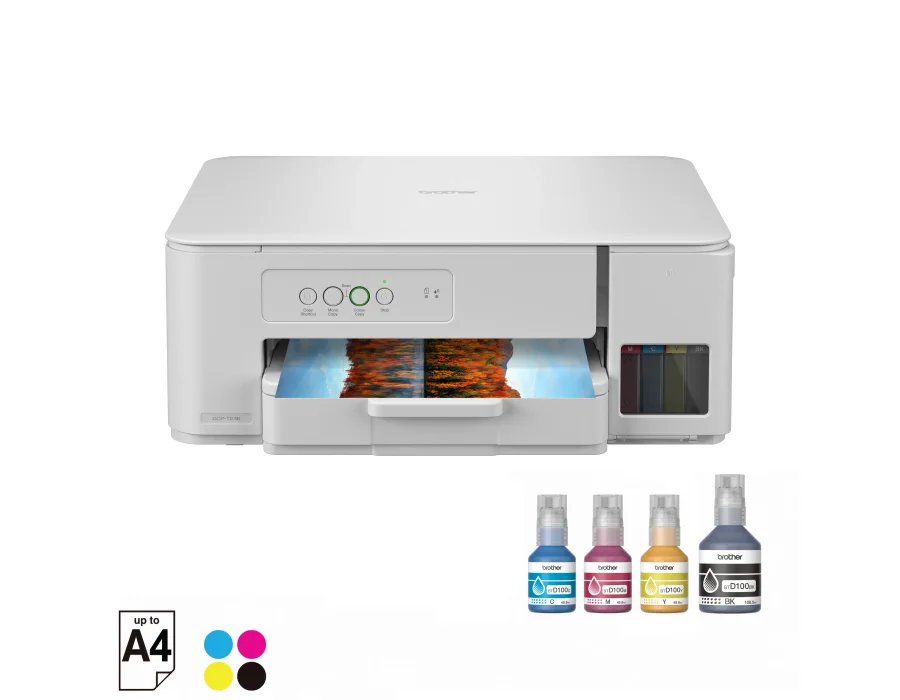
Print, Scan, Copy | A4 print speed up to 16 ipm (Black)/ 9 ipm (Colour) | High Speed USB 2.0
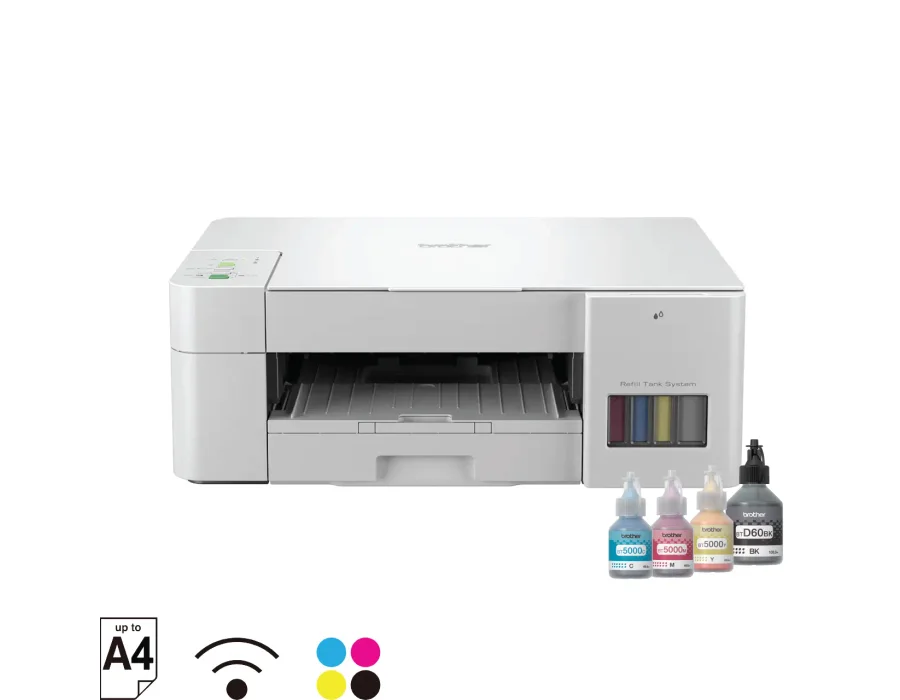
Print, Scan, Copy | A4 print speed up to 16 ipm (Black)/ 9 ipm (Colour) | WiFi, Mopria, Wireless Direct, USB 2.0 | Intuitive Buttons, 64 MB Memory, 150 Sheets Paper Tray
Print, Scan, Copy | A4 print speed up to 16 ipm (Black)/ 9 ipm (Colour) | Dual Band WiFi, Airprint, Mopria, Wireless Direct, High Speed USB 2.0