CP Plus
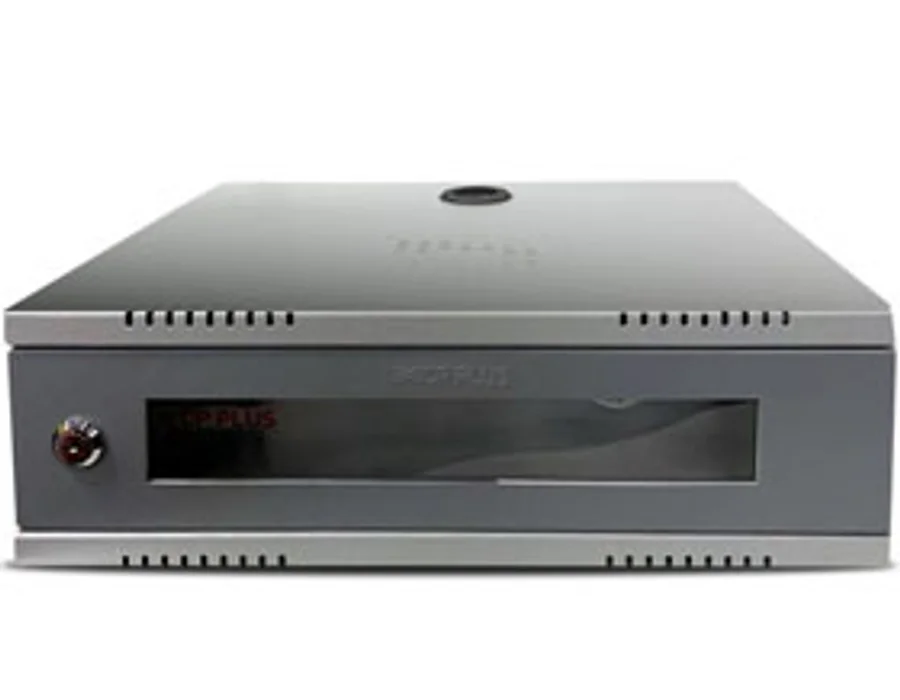
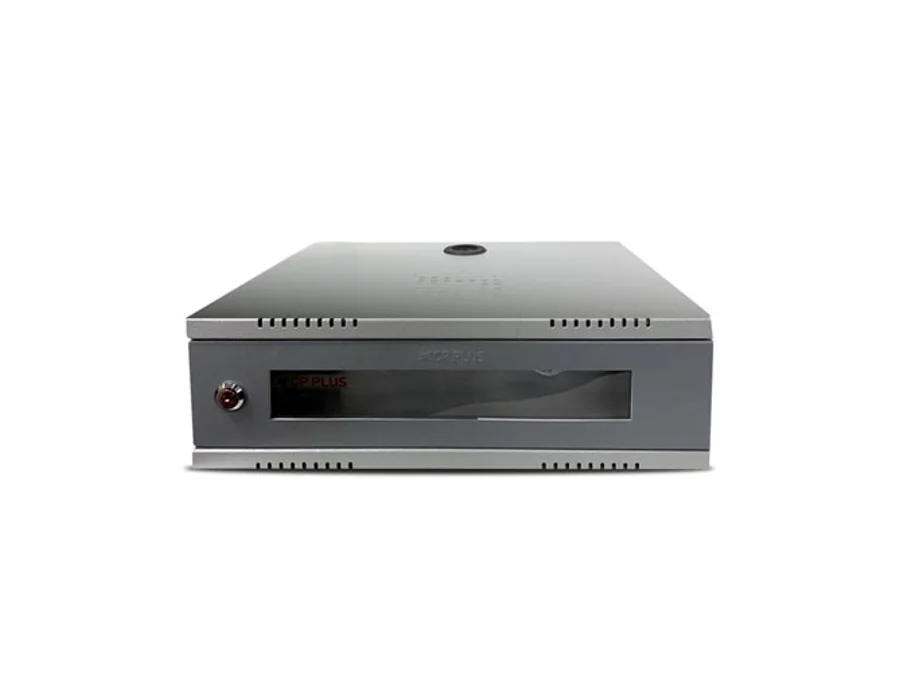
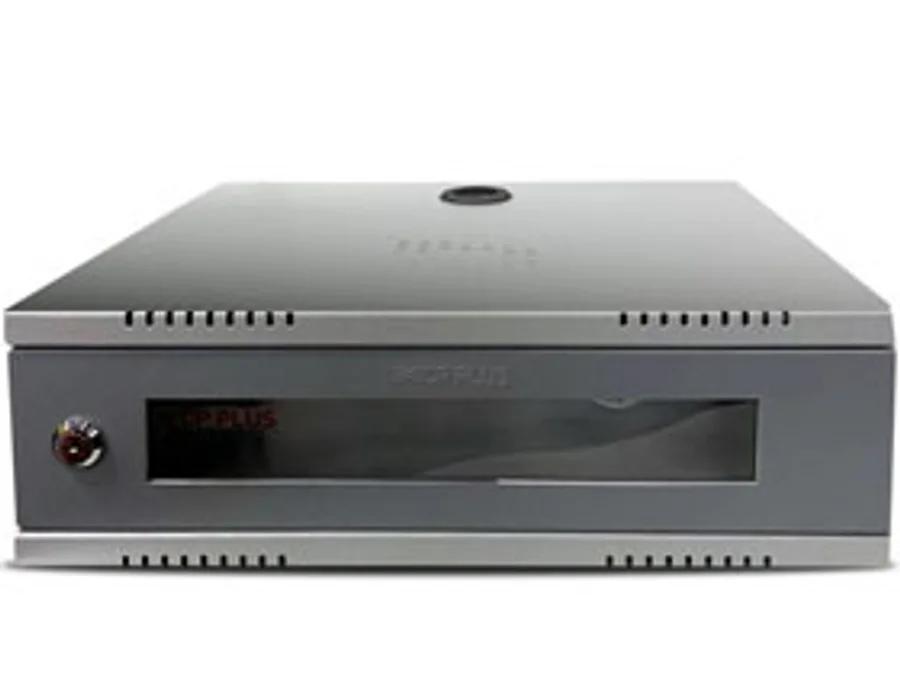
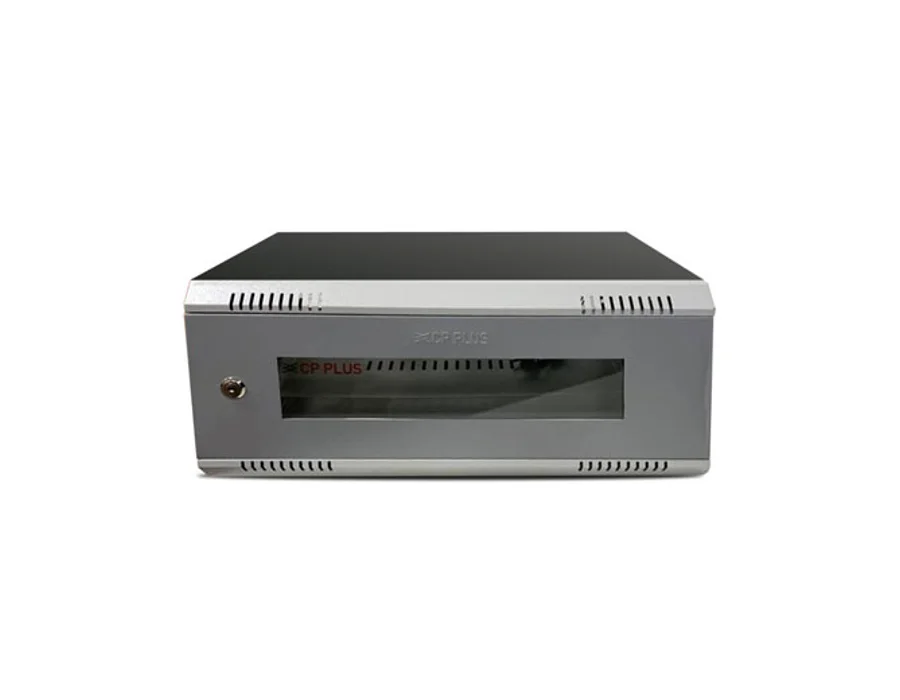
CP Plus CP-HA-RK4535VM-2U – 2U DVR/ NVR Rack- Modular (Value Series)
2U DVR/ NVR Rack- Modular (Value Series)
Price on request
Enquire now 
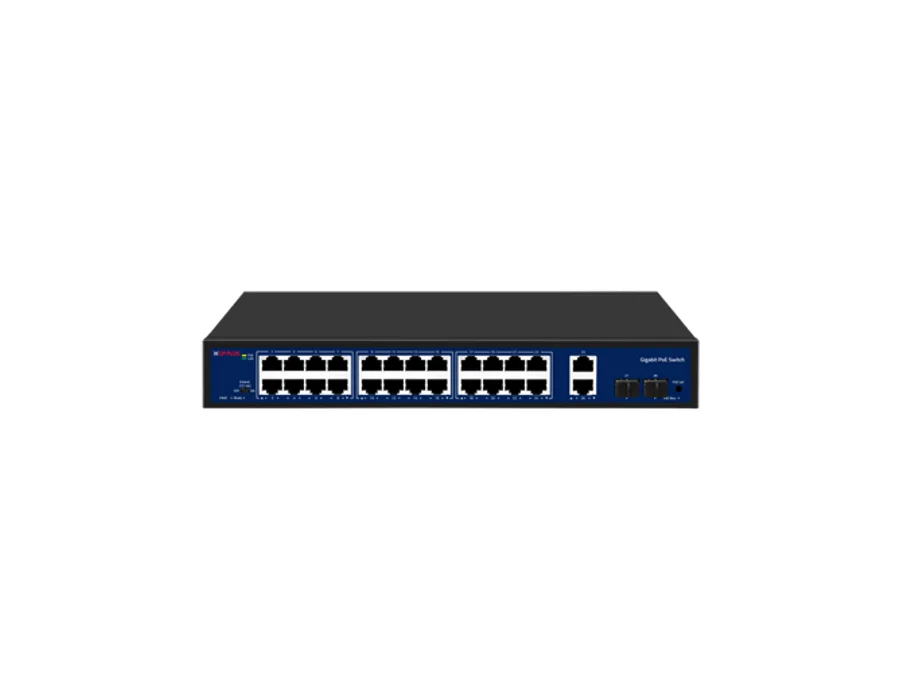
SKU: CPPLUS-1901 · Model: CP-DNW-GPU24G2F2-30
In Stock
Enter your PIN code to find delivery options and a nearby store.
24 Port Gigabit Unmanaged PoE Switch with 2 Gigabit Uplink & 2 SFP Ports Features 24 × RJ-45 10/100/1000 Mbps (PoE) Ports, 2 × RJ-45 Gigabit (Uplink) Ports, 2 × Gigabit SFP Uplink Ports. Extended transmission mode up to 250m at 10 Mbps (Ports 17-24). Networking standard: IEEE 802.3, IEEE 802.3u, IEEE 802.3ab, IEEE 802.3z, IEEE 802.3x. PoE Power Budget: 300W (Max 30W per port). Switching Capacity: 56 Gbps (Full-duplex). Easy and safe installation: plug-and-play, desktop design. Specifications Network Port: 28 Ports PoE Ports: 24, 10/100/1000Mbps, RJ45 ports, Max. 30W Output of Single PoE Port Uplink Ports: 2, 1000Mbps RJ45 ports & 2 Gigabit SFP ports Network Standard: IEEE 802.3, IEEE 802.3u, IEEE 802.3ab, IEEE 802.3z, IEEE802.3x Power Indicator: Light on: Powering ; Light off: No Power Mode Indicator: Light off: Normal mode ; Flash: Extend mode 1-28 Indicator (Link & Data): Green light off: Link is disconnected ; Green light on: Link is connected ; Green light flash: Data Transmitting 1-24 Indicator (PoE): Yellow light off: PoE not powering ; Yellow light on: PoE powering PoE Max Indicator: Light off: Indicates PoE power usage is less than 90% ; Light flash: Indicates PoE power usage 90%≤P≤95% ; Light on: Indicates PoE power usage 95%<P<100% PoE Led Button: It is used to switch whether the 1-16 indicator lights indicate the Link/Data status or the PoE ; status, Default indicates Link/Data status Extend Switch: OFF: All ports can communicate with each other, the transmission rate is 10/100/1000Mbps ; adaptive, and the watchdog function is turned off ; ON: 17-24 ports can extend the transmission distance of the network cable to Max. 250 ; meters, the transmission rate becomes 10Mbps, and the watchdog function is turned on Switch Capacity: 56Gbps Full duplex Packet Forwarding Rate: 41.664Mpps Packet Buffer: 3Mb Forwarding Mode: Store-and-forward MAC Address Table: 8K Watchdog: Support PoE Standard: IEEE802.3af, IEEE802.3at PoE Power Supply: 1/2(+), 3/6(-) Transmission Distance: 0-100m/1000Mbps or Port 17-24 Max. 250m/10Mbps via Cat.5e or more under Extend mode PoE Feature: All ports support MDI/MDIX Power Source: Built-in Power Supply ; Input: 110-240V AC, 50/60Hz PoE Power Budget: 300W Power Consumption: <5W ESD: Air discharge: 8KV ; Contact discharge: 6KV Surge Protection: Common mode/RJ45 port: 4KVV ; Differential mode/RJ45 port: 2KV ; Common mode/Power board: 4KV 4 ; Differential mode/Power board: 2KV Operating Temperature: -10°C ~50°C Operating Humidity: 10%-95%, Non-condensing Storage Temperature: -40°C~70°C Dimensions: 320mm x 207mm x 44mm Weight: 1900g Certificates: ISO 9001: 2015, ISO 20000-1 : 2018, ISO 14001 : 2015, ISO 45001 : 2018, ISO 50001:2018, CE, ; FCC and RoHS, TEC/ MTCTE
| ESD | Air discharge: 8KV ; Contact discharge: 6KV |
|---|---|
| Weight | 1900g |
| Watchdog | Support |
| PoE Ports | 24, 10/100/1000Mbps, RJ45 ports, Max. 30W Output of Single PoE Port |
| Dimensions | 320mm x 207mm x 44mm |
| PoE Feature | All ports support MDI/MDIX |
| Certificates | ISO 9001: 2015, ISO 20000-1 : 2018, ISO 14001 : 2015, ISO 45001 : 2018, ISO 50001:2018, CE, ; FCC and RoHS, TEC/ MTCTE |
| Network Port | 28 Ports |
| PoE Standard | IEEE802.3af, IEEE802.3at |
| Power Source | Built-in Power Supply ; Input: 110-240V AC, 50/60Hz |
| Uplink Ports | 2, 1000Mbps RJ45 ports & 2 Gigabit SFP ports |
| Extend Switch | OFF: All ports can communicate with each other, the transmission rate is 10/100/1000Mbps ; adaptive, and the watchdog function is turned off ; ON: 17-24 ports can extend the transmission distance of the network cable to Max. 250 ; meters, the transmission rate becomes 10Mbps, and the watchdog function is turned on |
| Packet Buffer | 3Mb |
| Mode Indicator | Light off: Normal mode ; Flash: Extend mode |
| PoE Led Button | It is used to switch whether the 1-16 indicator lights indicate the Link/Data status or the PoE ; status, Default indicates Link/Data status |
| Forwarding Mode | Store-and-forward |
| Power Indicator | Light on: Powering ; Light off: No Power |
| Switch Capacity | 56Gbps Full duplex |
| Network Standard | IEEE 802.3, IEEE 802.3u, IEEE 802.3ab, IEEE 802.3z, IEEE802.3x |
| PoE Power Budget | 300W |
| PoE Power Supply | 1/2(+), 3/6(-) |
| Surge Protection | Common mode/RJ45 port: 4KVV ; Differential mode/RJ45 port: 2KV ; Common mode/Power board: 4KV 4 ; Differential mode/Power board: 2KV |
| MAC Address Table | 8K |
| PoE Max Indicator | Light off: Indicates PoE power usage is less than 90% ; Light flash: Indicates PoE power usage 90%≤P≤95% ; Light on: Indicates PoE power usage 95%<P<100% |
| Power Consumption | <5W |
| Operating Humidity | 10%-95%, Non-condensing |
| Storage Temperature | -40°C~70°C |
| 1-24 Indicator (PoE) | Yellow light off: PoE not powering ; Yellow light on: PoE powering |
| Operating Temperature | -10°C ~50°C |
| Transmission Distance | 0-100m/1000Mbps or Port 17-24 Max. 250m/10Mbps via Cat.5e or more under Extend mode |
| Packet Forwarding Rate | 41.664Mpps |
| 1-28 Indicator (Link & Data) | Green light off: Link is disconnected ; Green light on: Link is connected ; Green light flash: Data Transmitting |
Confirm the supplied items with our team.
Warranty information will be confirmed before purchase.
2U DVR/ NVR Rack- Modular (Value Series)
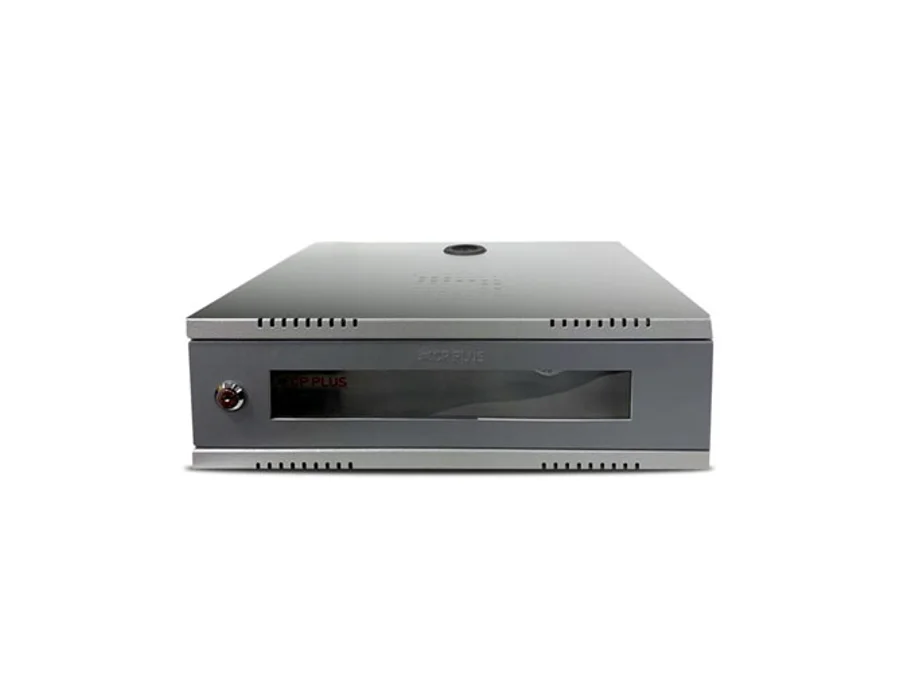
2U DVR/ NVR Rack (Value Series)
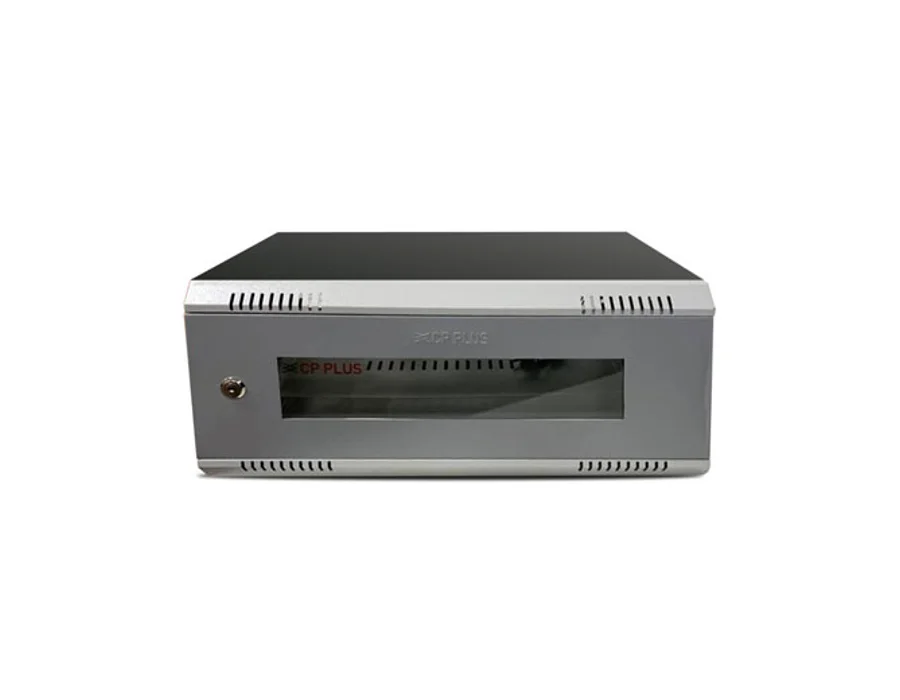
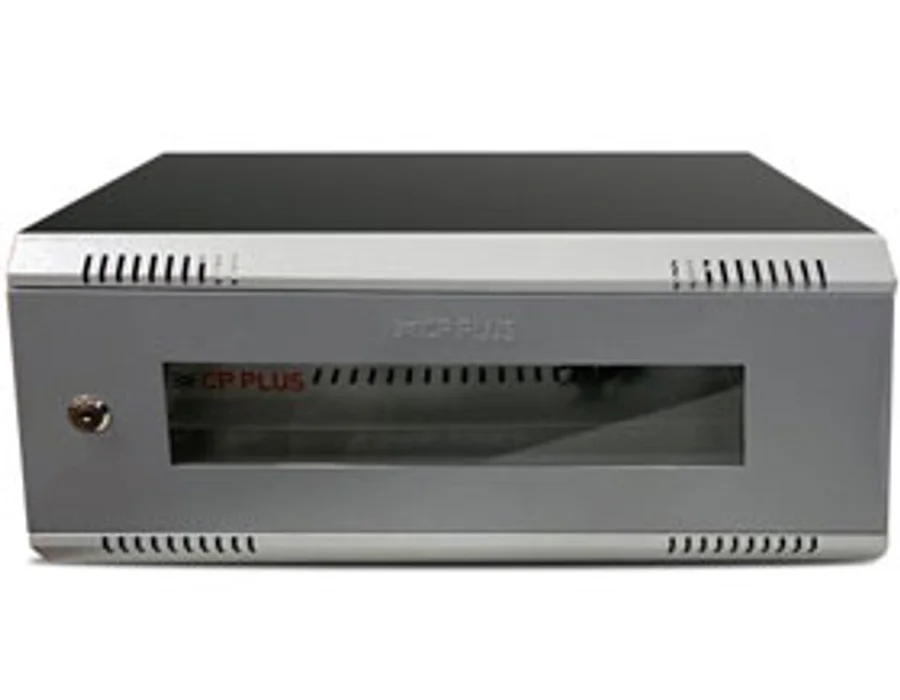
4U DVR/ NVR Rack- Modular (Value Series)
4U DVR/ NVR Rack (Value Series)